
Product Photos
Removing shadows is easy. Deciding which ones to keep is the real work.
4 min read · RemoveBGAI Team
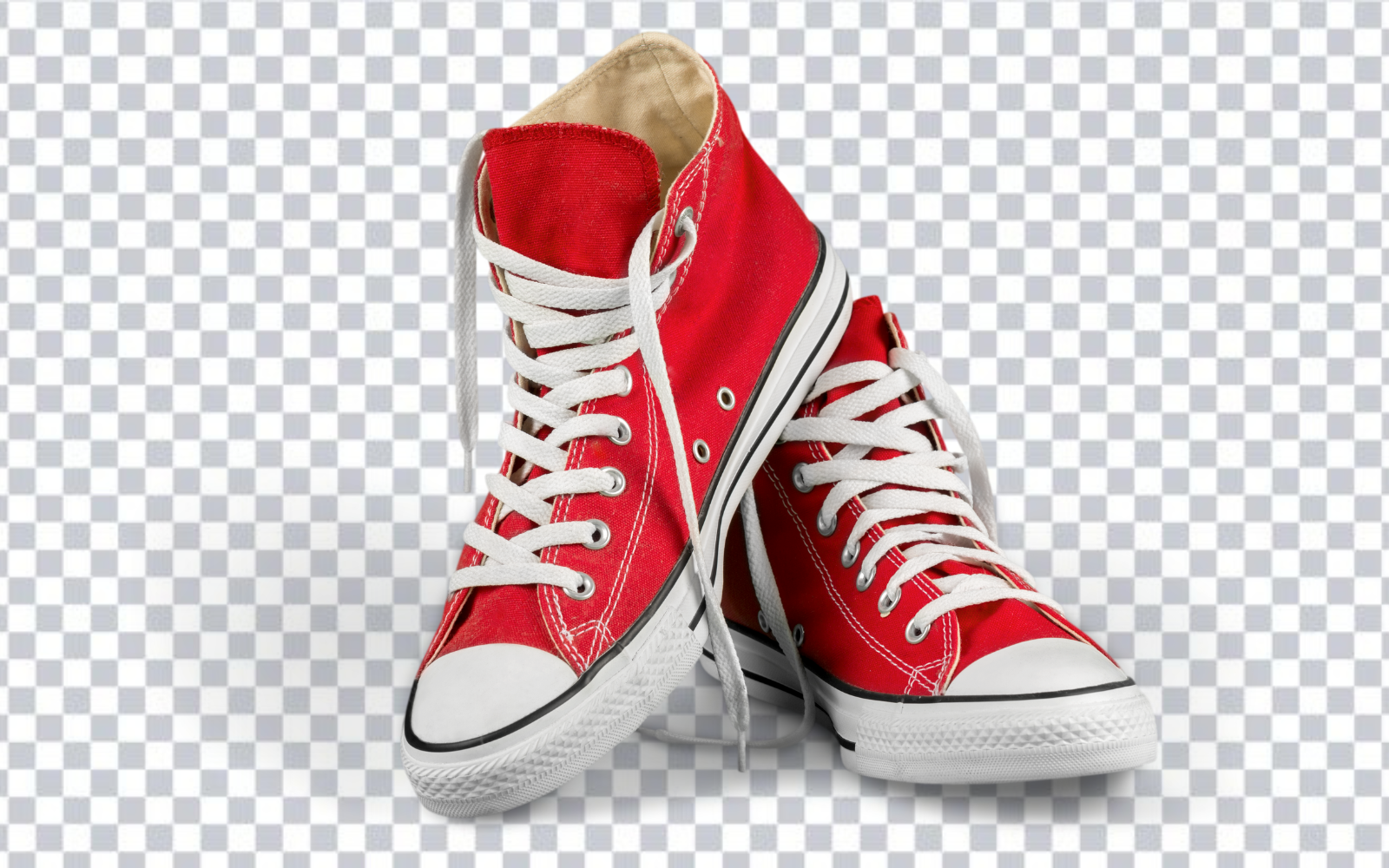
When a background is removed from a product photo, the shadow usually goes with it, because the shadow falls on the surface behind the product rather than on the product itself. That is sometimes exactly right and sometimes leaves the item looking like it is floating. This guide covers how to tell the difference.
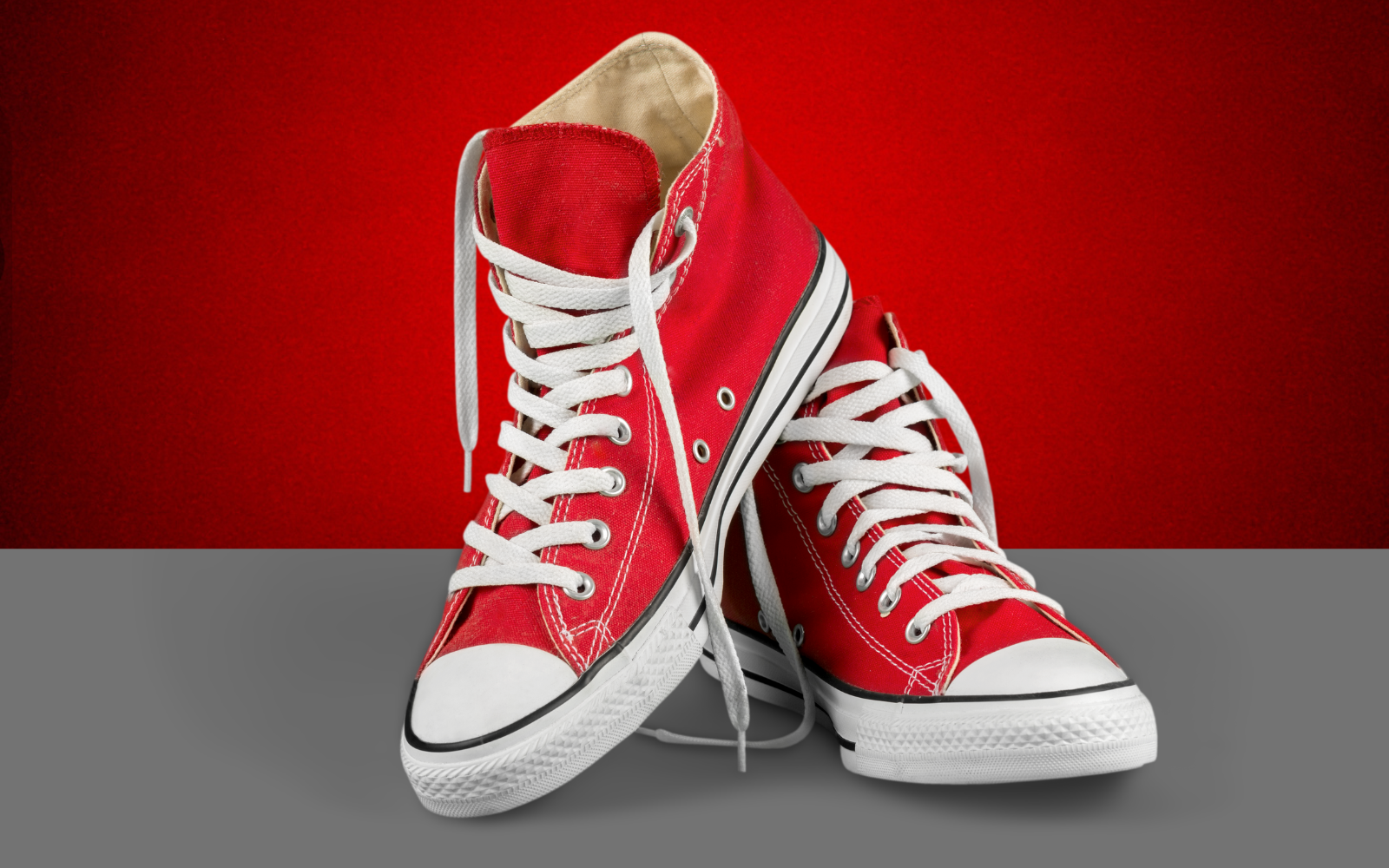
Try the editor
Remove backgrounds from your next image with RemoveBGAI
Remove BackgroundThree kinds of shadow, and only one is genuinely optional
A cast shadow is the larger shape thrown across the background by the lighting setup. It carries information about the studio rather than the product, varies between shots, and exposes inconsistent lighting across a catalog. It is almost always worth removing.
A contact shadow is the small dark area where the product meets the surface it rests on. It is what tells the eye that an object is sitting on something rather than hovering above it. This is the genuinely optional one, and the decision deserves thought, because removing it is what makes a product look like it is floating.
An attached shadow is not really a shadow on the background at all. It is the shading across a curved surface, the darkness inside a bag opening, the recess under a jacket collar. It belongs to the product, and removing it flattens the object. This distinction matters most on reflective and transparent items, where glass, polished metal, and clear packaging rely on dark regions to read as three-dimensional at all.
The floating product problem
A cleanly cut out shoe or bottle placed on pure white with no shadow at all can look oddly weightless. The effect is strongest for objects people expect to see resting on a surface, such as furniture, footwear, and anything heavy. It is much weaker for items normally seen held or worn, like jewelry and clothing.
This is why many catalogs add a soft shadow back after removal rather than leaving the product entirely detached. The goal is not to recreate the original studio lighting but to give the eye a subtle cue about where the object sits.
Check the platform rules before deciding
Marketplaces differ, and some are specific about this. Several require a pure white background for the main listing image and have their own rules about whether shadows are permitted. Others are more relaxed, or apply different rules to the main image than to additional gallery images.
Because these requirements change and vary by category, the reliable approach is to check the current image guidelines for the platform being uploaded to rather than relying on a general rule. Keeping a transparent master file makes it straightforward to produce whichever variant a given platform expects.
Making an added shadow look believable
A convincing contact shadow is usually softer, smaller, and lighter than people expect. It sits directly under the contact points, fades quickly with distance, and is rarely pure black. Overdone shadows read as artificial faster than no shadow at all.
Consistency across a catalog matters more than perfection in any single image. If one product casts a shadow to the left and the next casts one to the right, a category grid looks disorganised even when each individual photo is well made. Pick one light direction and apply it everywhere.
Decide whether the shadow belongs to the product story
A shadow is not automatically a defect. A soft contact shadow helps a product feel grounded and can communicate shape, while a hard directional shadow may distract from a catalog layout. Decide the final visual rule before processing: preserve the natural shadow, remove it for a pure cutout, or replace it consistently during layout.
This matters because a removal model may treat a soft shadow as background and a dark attached shadow as part of the subject. The same photo can therefore need different finishing depending on whether it is intended for a marketplace, a branded banner, or an internal catalog.
Capture a cleaner source
Use a large diffused light close to the product and move it away from the backdrop when space allows. This softens the shadow and makes its boundary easier to separate. A tripod, clean lens, and lower ISO preserve edge detail, while a contrasting seamless background reduces ambiguity around the base.
For batches, lock the camera position, light placement, and product area. Consistent source images produce more consistent cutouts and make any remaining shadow work repeatable instead of a different correction for every item.
Quality-control checklist
- Look below the product for dark remnants and transparent holes.
- Check that thin feet, stands, cables, and transparent supports were not removed with the shadow.
- Preview on a contrasting background before approving the edge.
- Apply replacement shadows consistently in direction, softness, and opacity.
- Retain an untouched source and a transparent master for future variants.
Try the editor
Remove backgrounds from your next image with RemoveBGAI
Remove BackgroundReader questions
Does background removal delete the shadow automatically?
Usually yes, because the shadow falls on the background surface rather than on the product. Shading that lies on the product itself, such as the curve of a bottle or the inside of a bag, stays in place.
Should product photos have shadows?
It depends on the product and the platform. A soft contact shadow helps heavier items and anything expected to rest on a surface look grounded. Some marketplaces have specific rules for the main listing image, so check the guidelines for where the image is being uploaded.
Why does my product look like it is floating?
The contact shadow was removed along with the background. Adding a small, soft shadow directly beneath the points where the product touches the surface usually resolves it without recreating the original lighting.
How do I keep shadows consistent across a catalog?
Choose one light direction and one shadow softness, then apply them to every product in the category. Consistency across the grid matters more to how organised a catalog looks than the exact appearance of any single image.