
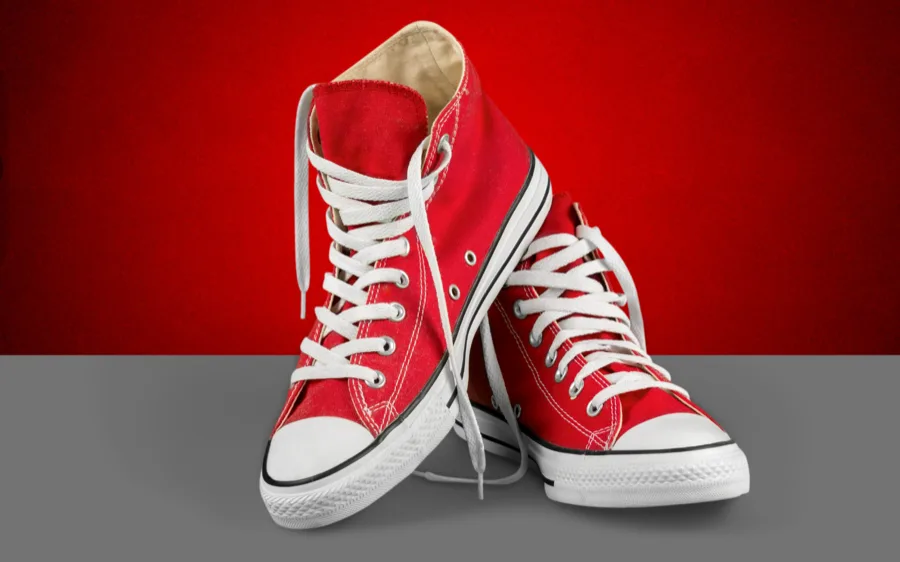
Upload your image
Start with a product photo, portrait, logo, signature, or any image that needs a cleaner background.
Remove background from any image in seconds — free, no signup required, no watermark. Download a full HD transparent PNG or white background version instantly.
No signup No watermark HD free 100% private
Processing your image now.
Quality Results
How It Works
Upload an image, let the background remover process it, then export a transparent PNG or a clean white background version for the final use case.
Start with a product photo, portrait, logo, signature, or any image that needs a cleaner background.
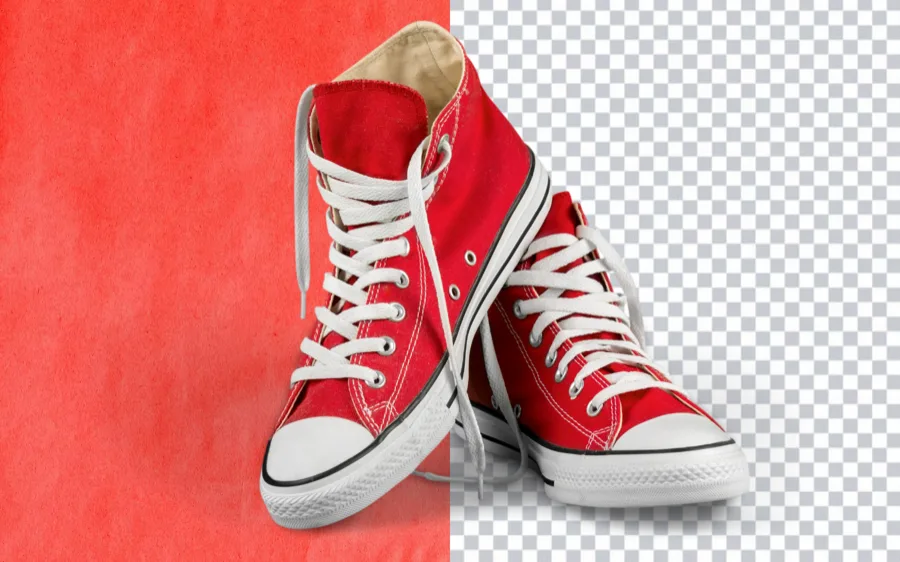
Let the tool isolate the subject, keep the edge clean, and prepare the image for download or quick editing.
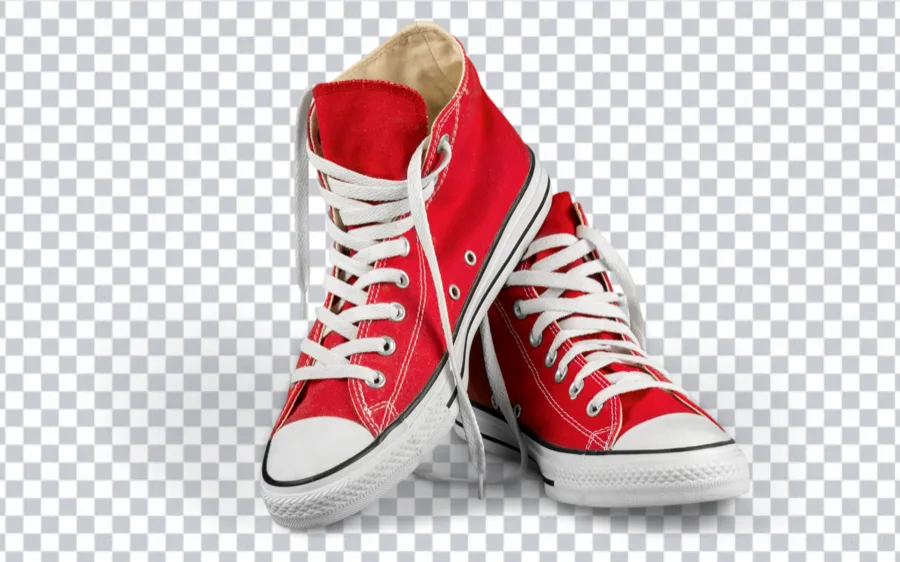
Export a transparent PNG, switch to a white background, or keep the cutout ready for your next workflow.
From creators and ecommerce teams to agencies and internal business workflows, the tool is designed for simple, repeatable background removal and transparent PNG export work.
Use a background remover to create clean product cutouts for catalogs, store banners, marketplaces, and ad creatives without wasting time on manual masking.
Remove background from image files, isolate people, and prep transparent portrait assets for edits, composites, and client delivery.
Build faster thumbnails, promo cards, profile visuals, and campaign graphics with a background remover workflow that stays readable.
Remove background from image files for profile pictures, invitations, school work, and quick edits when you need a simple output and not a full design suite.
Prepare lightweight transparent image assets for dashboards, internal tools, demos, docs, and product launches with less editing overhead.
Drop transparent PNG assets into Canva, Figma, decks, and web layouts without rebuilding every image from scratch.
Use background removal to standardize vehicle photos for listings, promos, and inventory cards so every export looks more consistent across the site.
Support recurring background removal and cleanup tasks across sales, support, hiring, operations, and internal documentation.
What Is It
AI automatically separates the subject from the background — no Photoshop, no manual selection, no skills needed.
Background removal is the process of isolating the main subject in a photo and making the surrounding area transparent or replacing it with a new color or image. The result is a clean cutout that can be placed on any background — a white product shot for Amazon, a transparent PNG for a Canva design, or a custom color for a banner ad.
Traditionally, this required manually selecting subjects in Photoshop using tools like the Magic Wand, Pen Tool, or Select Subject — a process that could take minutes to hours depending on image complexity. AI-powered tools like RemoveBGAI detect the subject automatically using machine learning models trained on millions of images, delivering accurate cutouts in seconds.
RemoveBGAI supports bulk background removal — upload multiple images at once to process entire product catalogs or headshot batches in one session. The output works directly in Canva, Figma, Adobe Photoshop, PowerPoint, Shopify, and Amazon Seller Central without extra conversion.
Layer in Canva, Figma, Photoshop, or PowerPoint — no background interference.
Meet Amazon, eBay, Etsy, and Shopify listing requirements instantly.
Swap in any background color to match brand palette or platform spec.
Clean headshots for LinkedIn, resumes, ID cards, and professional profiles.
RemoveBGAI processes every image entirely in your browser using on-device AI. No file is uploaded to a server, stored anywhere, or shared with any third party. Your images stay 100% private — even sensitive documents, ID photos, or confidential product shots.
No account. No email. No subscription. Upload → remove background → download. That's the entire workflow.
The AI model runs locally in your browser tab.
Upload and download without creating an account.
Download at original resolution, free forever.
Chrome, Safari, Firefox on desktop, tablet, or mobile.
What People Say
★★★★★RemoveBGAI is the only free tool that removes background without leaving a white halo. I process 20–30 product shots a session — no subscription, no watermark, handles all of them perfectly.
★★★★★Needed passport photos with a white background. Uploaded my portrait, got a clean PNG in 10 seconds. No sign-up, no credit card, no watermark. Exactly what a free tool should be.
★★★★★Processing images in the browser matters for confidential product photos. RemoveBGAI was the only free option that explicitly keeps your images private — nothing uploaded to a server.

Step-by-step guide to removing backgrounds from any photo — products, portraits, logos — and exporting a transparent PNG instantly.
Everything about transparent PNG files — what they are, how to create one from a photo, and how to use them in design tools.
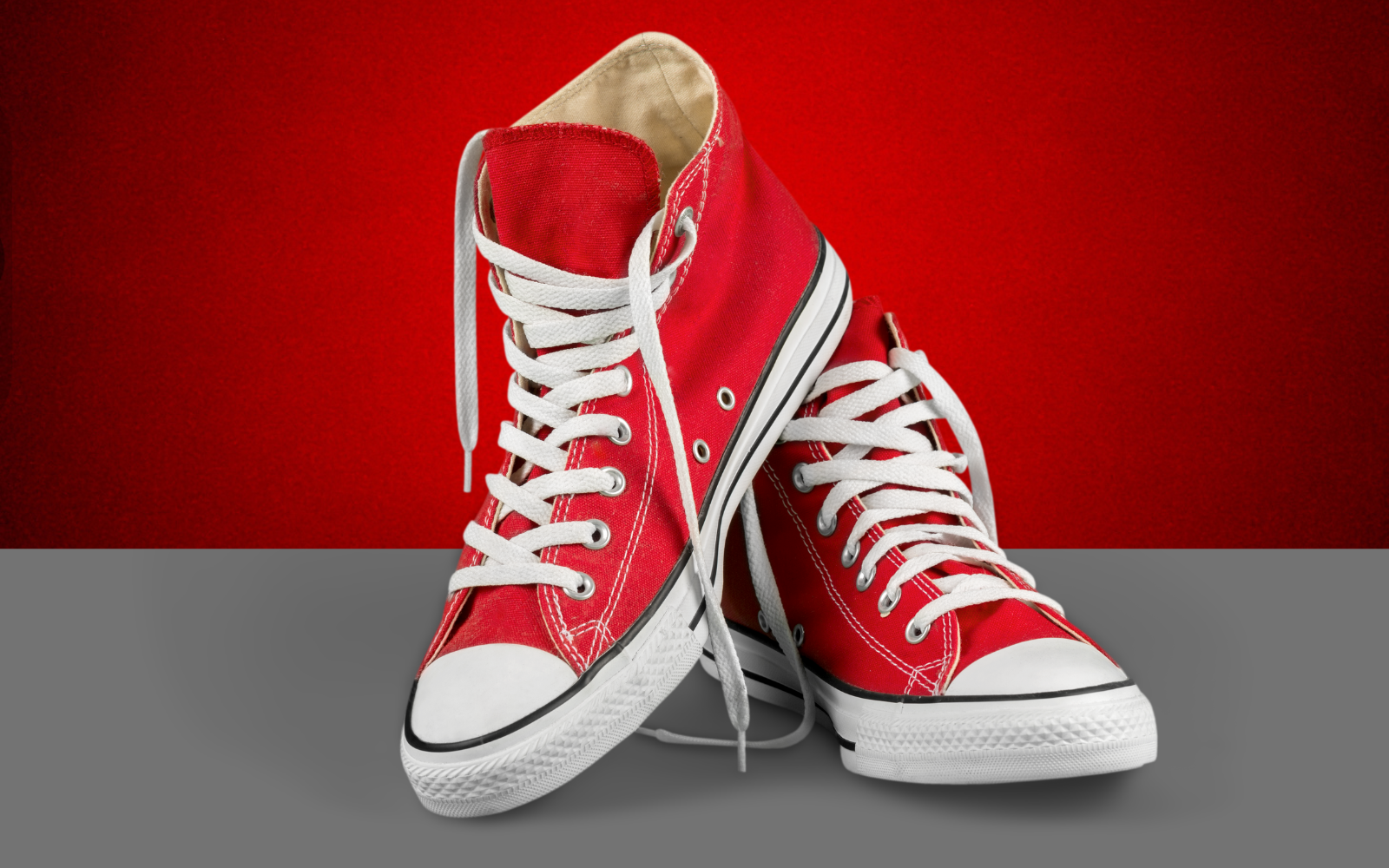
How to meet Amazon, eBay, Etsy, and Shopify white background requirements using a free background remover.
FAQs
Quick answers on quality, privacy, formats, and what this tool is actually good at.
Yes, RemoveBGAI is completely free to use with no hidden fees and no watermarks. You can remove the background from as many images as you want and download clean, full-resolution transparent PNG files at no cost. There is no paid tier required to get watermark-free results.
No sign up is required. You can remove background from images instantly without creating an account, entering an email address, or providing any personal information. Just upload your image and download the result.
Your image is processed entirely inside your browser using on-device AI. It is never uploaded to any server, never stored, and never shared. The background removal happens locally on your device, which means your photos stay completely private.
RemoveBGAI supports JPG, JPEG, PNG, and WebP image formats. The output is always a transparent PNG file, which is the best format for cutouts used in design tools, product listings, presentations, and social media.
Yes, the result downloads at the full original resolution of your uploaded image. There is no compression or quality loss applied to the output. The transparent PNG you download is the same size and quality as the photo you uploaded.
Yes, RemoveBGAI works on any modern browser including Chrome, Safari, Firefox, and Edge on iPhone, Android, iPad, and desktop. No app download is required. The tool runs fully in your browser on any device.
Background removal is the process of isolating the main subject in a photo and making the surrounding area transparent. RemoveBGAI uses an AI model running in your browser to detect the subject automatically, cut out the background, and return a transparent PNG — all in seconds without any manual selection.
Yes. RemoveBGAI works well for product photos, logos, signatures, profile pictures, portraits, and most common image types. It handles solid backgrounds quickly and produces clean edges suitable for ecommerce listings, documents, and design files.
Yes. After removing the background you can open the image in the editor, apply a white background, a solid color fill, or keep the transparent version for use in design tools like Canva, Figma, or Photoshop.
For most everyday tasks — product shots, profile photos, signatures, and social content — RemoveBGAI is significantly faster than manual selection in Photoshop. The AI detects edges automatically and delivers a result in seconds. For complex retouching with very fine detail, manual tools still have an edge, but for the vast majority of use cases the automated result is ready to use immediately.
No account. No watermark. No server upload. Runs entirely in your browser — free forever.