
Product Photos
How product photo background removal improves ecommerce listings.
3 min read · RemoveBGAI Team
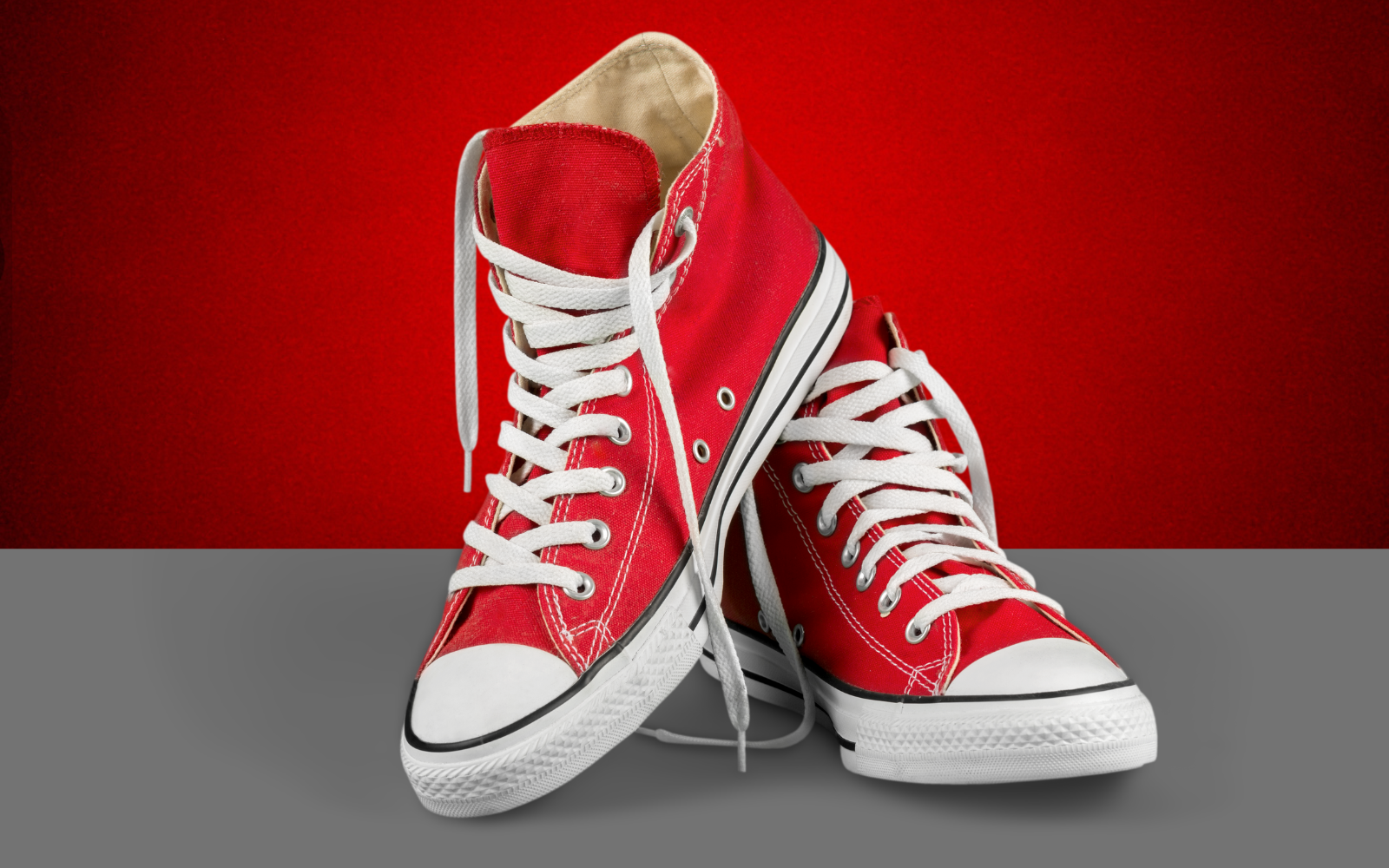
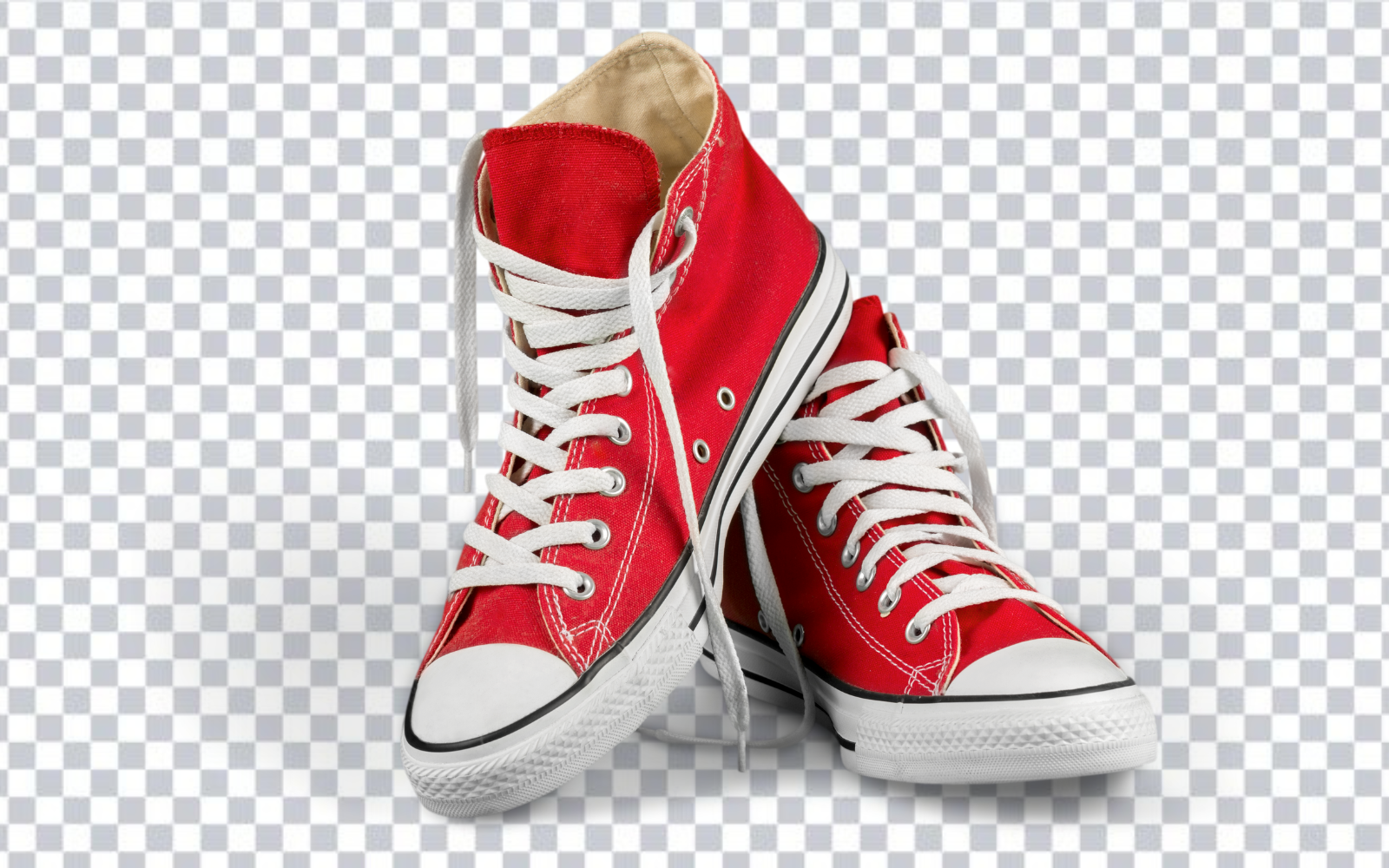
Product images need to do a practical job: show the item clearly, build trust, and fit the layout where shoppers see it. Background removal helps by separating the product from distracting surfaces, rooms, and inconsistent photo setups. For marketplaces and stores, this can make a catalog feel more organized without requiring a full studio reshoot.
Try the editor
Remove backgrounds from your next image with RemoveBGAI
Remove BackgroundCreate a transparent master asset first
The most flexible ecommerce workflow starts with a transparent PNG. That cutout can later become a white-background listing image, a banner graphic, a social ad, or a category tile. If you only export one flattened version, you may need to repeat the edit whenever a new campaign needs a different background.
Transparent masters are especially useful for small stores that reuse the same products across Shopify pages, marketplace listings, email campaigns, and paid social graphics.
Use white backgrounds when consistency matters
White backgrounds are still common because they reduce visual noise and help product grids feel consistent. They are useful for catalogs, marketplace-style pages, comparison tables, and internal product databases. The key is to remove the original background first, then place the product onto a clean white canvas intentionally.
Checklist before publishing
- Check product edges at full size and thumbnail size.
- Keep important shadows only if they improve realism.
- Make sure the product is not cropped too tightly.
- Use consistent padding across similar products in a category.
- Save transparent and white-background versions for future reuse.
Avoid thin content product pages
For SEO and conversion, do not rely only on clean images. Product pages still need useful copy, specs, shipping details, trust signals, and internal links. Background removal improves presentation, but the page needs complete information to rank and convert.
Separate the master asset from marketplace exports
Begin with the largest clean source you have and create a transparent PNG master. Do not flatten that master to white immediately. A transparent source can later produce a marketplace image, storefront banner, comparison chart, email graphic, and advertisement without repeating the cutout.
Create a separate export for each destination. Marketplace rules differ and can change, so check the current image requirements in the seller documentation before uploading. Background removal solves isolation; it does not automatically guarantee compliant framing, color, dimensions, product coverage, or file size.
Review edges like a customer will see them
Inspect reflective metal, glass, fur, laces, handles, and gaps between product parts. Then view the image at thumbnail size. A technically imperfect edge may be invisible in a search card, while an inconsistent crop or undersized product remains obvious. Check both scales before deciding where to spend editing time.
Preserve real openings and negative space. A chair back, mug handle, bicycle wheel, or jewelry chain can contain background inside the subject outline. Filling these areas makes the product look pasted or malformed even if the outside edge is clean.
Consistency checklist for a catalog
- Use the same canvas aspect ratio across a product category.
- Keep similar padding and apparent product scale from one listing to the next.
- Choose one shadow policy: retain natural shadows, replace them consistently, or remove them.
- Preview light-colored products on a darker temporary background to find missed edge pixels.
- Archive the source and transparent master separately from channel-specific exports.
Try the editor
Remove backgrounds from your next image with RemoveBGAI
Remove BackgroundReader questions
Should product photos be transparent or white?
Keep transparent PNG as the master asset. Use white background exports when the marketplace or catalog layout needs a flat final image.
Can background removal replace product photography?
No. It improves existing images, but sharp lighting, clear angles, and accurate color still come from good photography.