
Tips & Ideas
How to remove a background from an animal or pet photo while keeping fur intact.
3 min read · RemoveBGAI Team
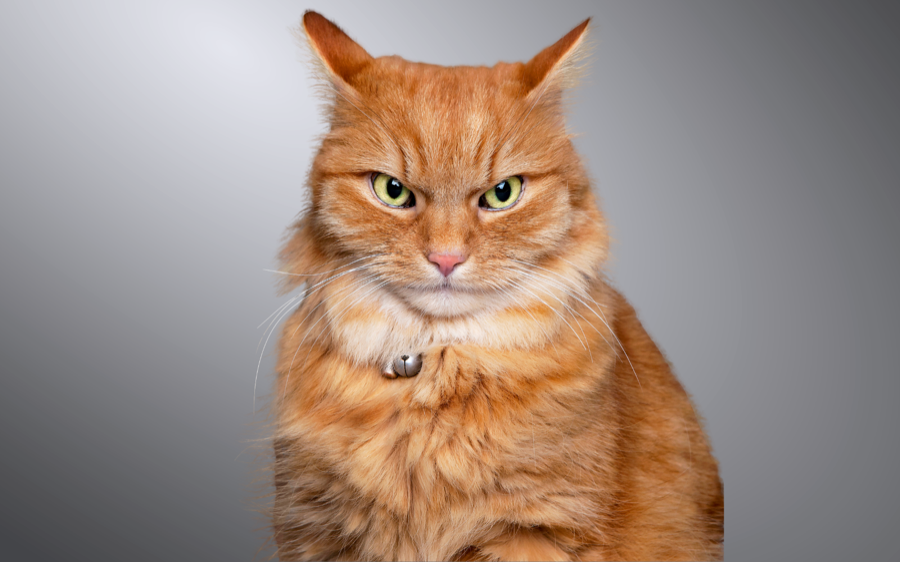
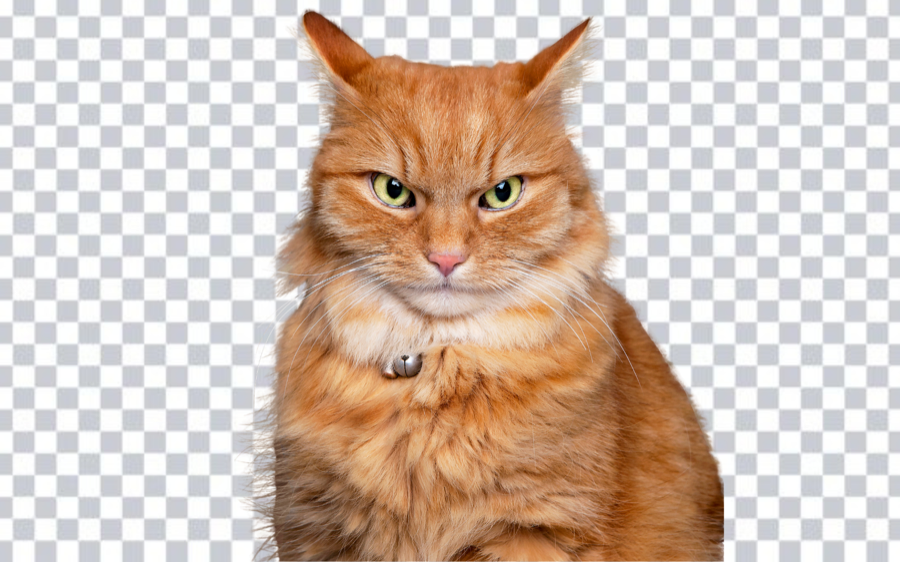
Animal and pet photos are one of the most common — and most difficult — background removal cases. Fur, feathers, and complex textures at the subject boundary require more care than a clean product edge or a human portrait. This guide covers what makes animal cutouts harder and what to check before using the result.
Try the editor
Remove backgrounds from your next image with RemoveBGAI
Remove BackgroundWhy fur and feathers are harder to cut out
Hair and fur create thousands of tiny individual strands at the subject edge. A background removal model has to decide, strand by strand, which pixels belong to the animal and which to the background. When the fur color is similar to the background, when the animal is moving, or when the photo is taken in low light, the model has less information to work with and the edge becomes softer or more ragged.
The best animal photos for background removal are taken with the animal still, in even light, against a background that contrasts with the fur color. A dark dog on a light wall, or a white cat on a darker surface, gives the model the strongest possible signal.
Choose the right source photo
Motion blur is the biggest obstacle. Animals move quickly, and a blurry frame eliminates detail at the very edge where the model needs it most. Use the sharpest frame from a burst sequence rather than a casual snap taken as the pet moved.
Avoid photos taken directly into the sun or near a bright window that creates a backlit halo around the subject. Backlighting blends the fur edge with the bright background in a way that is very hard to separate cleanly. Even light from the front or side, or an overcast outdoor setting, produces better inputs.
Review fur edges on multiple backgrounds
- Preview the cutout on white, black, and the target background color before downloading.
- Check whiskers, ear tips, and tail ends — these extend thin elements that are easy for the model to clip.
- Look for patches where the fur color matched the original background and created a hole in the subject.
- For animals with semi-transparent or very light fur, inspect whether the model preserved the subtle tones or made them fully opaque.
Common uses for animal cutouts
- Pet product listings on Etsy, Amazon, and other marketplaces.
- Veterinary practice websites and pet care content.
- Greeting cards, memorial prints, and custom pet portrait products.
- Social media content and profile photos for pet accounts.
- Wildlife and nature photography composites.
Using RemoveBGAI for pet and animal cutouts
Upload the animal photo to RemoveBGAI and let the browser-based model process the separation. After the initial result appears, toggle to a dark preview background immediately. Fur edges that look acceptable on white often reveal residual background color or missing strands when checked on dark.
For pet product listings and greeting card use, the cutout quality standard is usually high enough that a careful review pass is worth the extra minute. For internal or casual uses, the initial result is often sufficient. Decide the quality bar before downloading so you can catch problems early.
Export checklist for animal cutouts
- Download as PNG to preserve the transparent background.
- Check whiskers, ear tips, and tail separately before approving.
- For product listings, preview at listing thumbnail size as well as full size.
- Keep the transparent master separately from any color-background version.
- For printed pet products, verify the resolution is sufficient for the print size before ordering.
Try the editor
Remove backgrounds from your next image with RemoveBGAI
Remove BackgroundReader questions
What breeds or animal types work best?
Short-haired animals with good contrast against their background tend to produce the cleanest results. Long-haired breeds, animals with very fine wispy fur, and birds with complex feather patterns need more edge inspection after processing.
Can I remove the background from a photo of a fish or reptile?
Yes. Fish and reptiles often have smoother edge profiles than fur-bearing animals, which can make them easier to cut out. Transparent fins or scales may still need review because they can partly disappear at the edge.
My cat is white and the wall behind it is also light. Will this work?
Low-contrast inputs are harder for any background removal tool. Retaking the photo against a darker surface will give much better results. If the original photo is all you have, the edge may be imprecise and will need careful review before use.