
Use Case
Background removal for designers who need clean assets without the masking workflow.
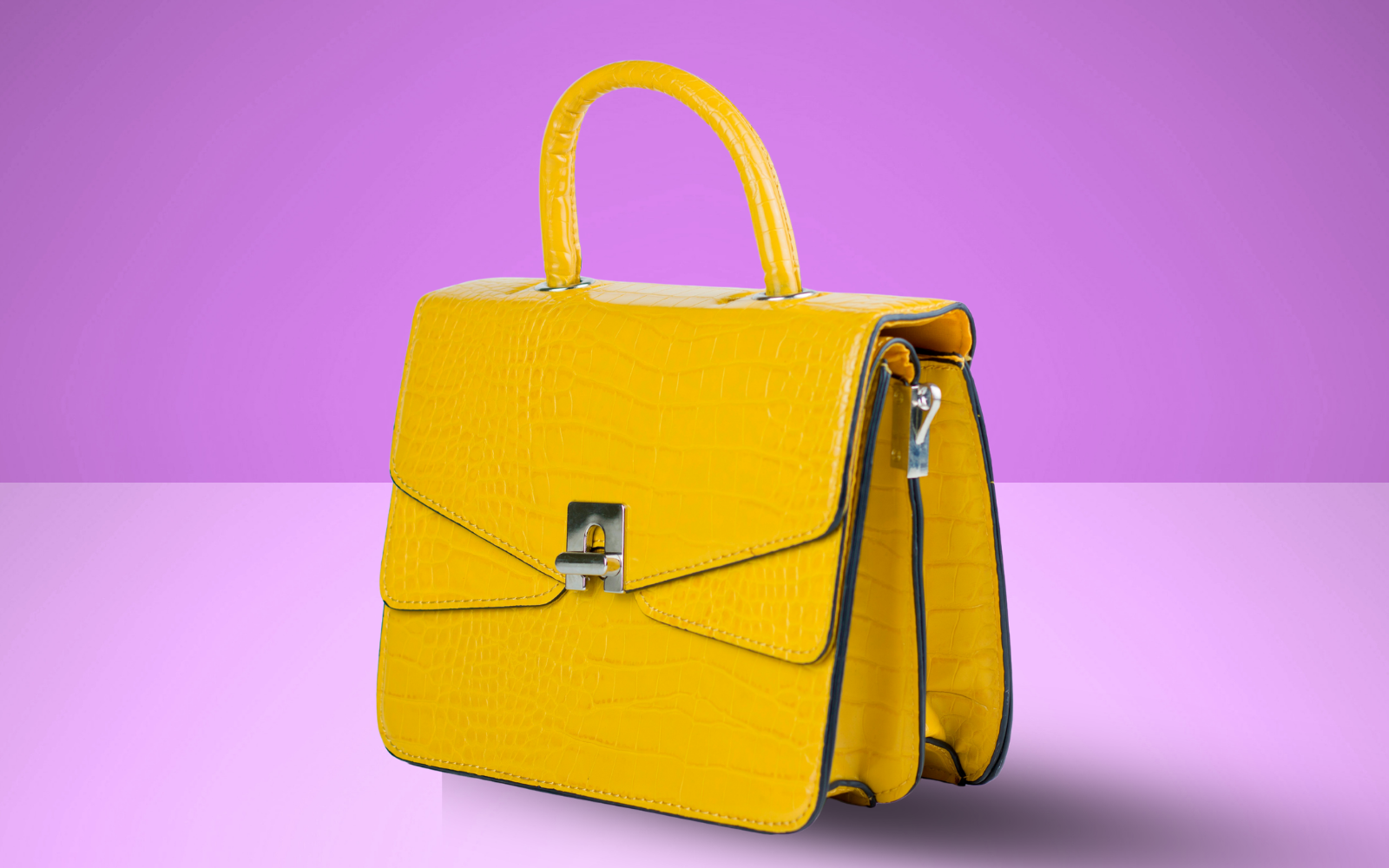
Graphic designers spend hours on background removal that could be spent on actual design work. Whether you are building Canva templates, Figma component libraries, Photoshop composites, or PowerPoint presentations, RemoveBGAI gives you clean transparent PNG assets in seconds — no plugin to install, no account to create, no subscription.
Canva background removal
Canva's built-in background remover is limited to Pro subscribers and produces inconsistent results on complex subjects. RemoveBGAI is free for any complexity level. Export your transparent PNG and upload it directly to your Canva project as an element — it slots into any template without additional editing.
For Canva template designers, having consistent, high-quality transparent elements is essential. Build your element library using RemoveBGAI cutouts and upload them as brand assets for reuse.
Figma component and design system assets
Design system components frequently require real photography on transparent backgrounds rather than placeholder graphics. Import RemoveBGAI cutouts directly into Figma frames. The PNG retains the full alpha channel, working correctly with Figma's layer blending modes and auto-layout fill behaviors.
Photoshop and Illustrator compositing
Photoshop's Select and Mask still requires manual refinement for complex subjects. RemoveBGAI works as a fast first-pass extraction producing a transparent PNG you can refine further if needed. For most subjects, the output requires no additional refinement.
For Illustrator users, transparent PNG imports maintain alpha transparency and can be used as image fill within vector shapes or as export-ready composition elements.
Presentation design (PowerPoint, Keynote, Google Slides)
Cutting out a subject and placing it against the slide background color makes presentations significantly more polished than using bordered rectangular photos. A transparent PNG subject that blends into the slide background looks custom-designed.
Logo and icon background removal
Client logos and brand marks delivered on non-transparent backgrounds are a constant friction in design workflows. RemoveBGAI removes white or solid-color backgrounds from logos to produce transparent PNGs for any background. Thin strokes and small text are preserved well by the ISNet model.
Design asset types that benefit
- Product photography for mockup templates.
- Character illustrations or photos for web and mobile UI.
- Team headshots for about pages, press kits, and pitch decks.
- Brand mascots, icons, and decorative illustration elements.
- Before/after comparison imagery for portfolio or case studies.
Frequently asked questions
What file format should I export for Canva?
Export as PNG with transparency. Canva supports transparent PNG uploads directly. Avoid JPEG for transparent elements — JPEG does not support alpha channels.
Can I use RemoveBGAI outputs in client projects?
Yes. RemoveBGAI places no restrictions on commercial use. The processed image is your own content and can be used in client deliverables without attribution.
Does it work on illustrated or non-photographic images?
It works best on photographs. Illustrated characters with solid background colors can also produce clean results. Complex illustrated backgrounds with varied colors may not extract as cleanly.