
Background Removal
How to remove image backgrounds without Photoshop, subscriptions, or plugins.
3 min read · RemoveBGAI Team

Photoshop is the industry standard for image editing, but removing a background does not require a $20/month subscription, a desktop install, or hours learning layer masks. Browser-based AI tools handle the same task in seconds — free, with no account required and no file uploaded to a server. This guide explains when that approach is sufficient, when Photoshop still makes sense, and how to get the best results from either workflow.
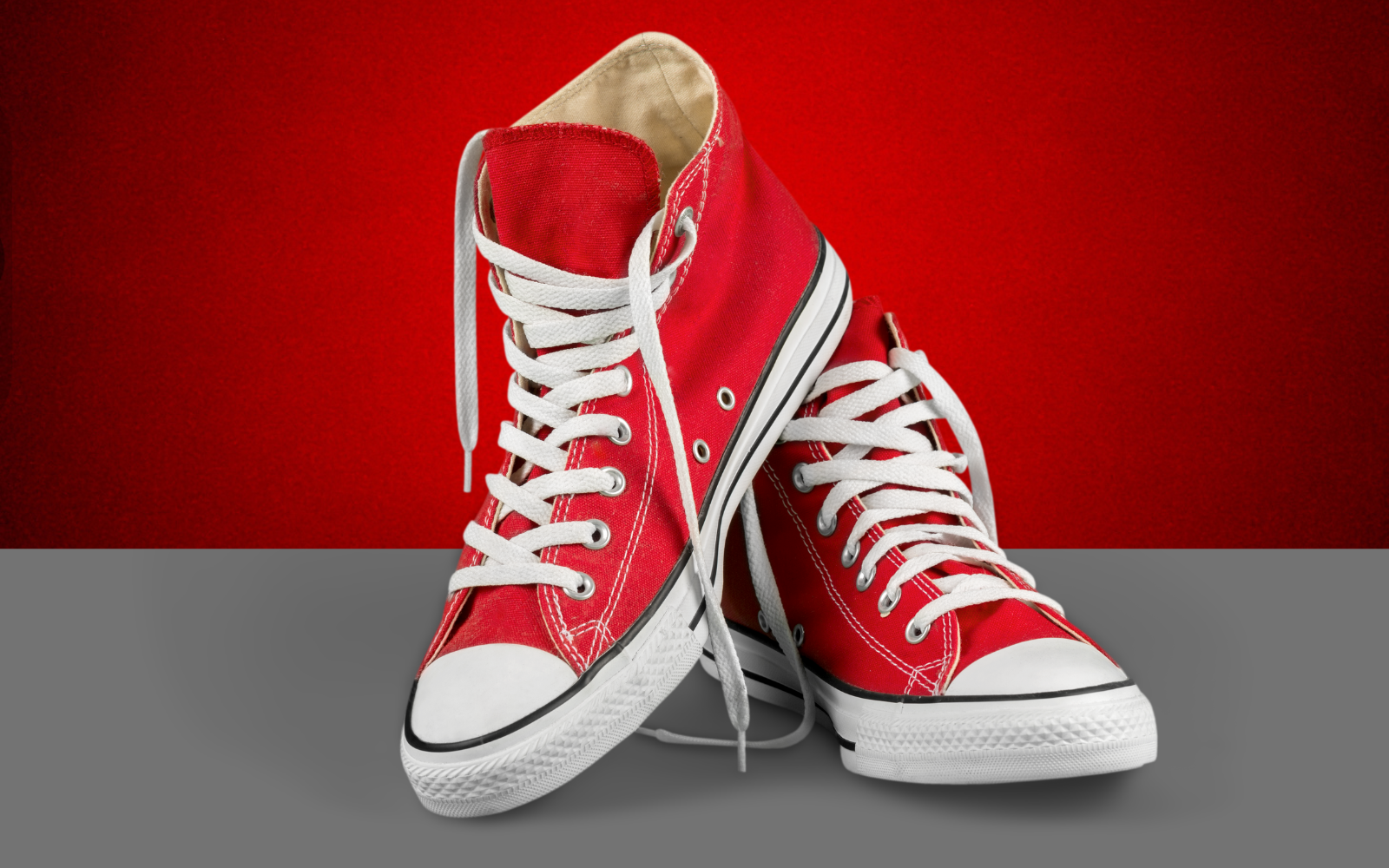
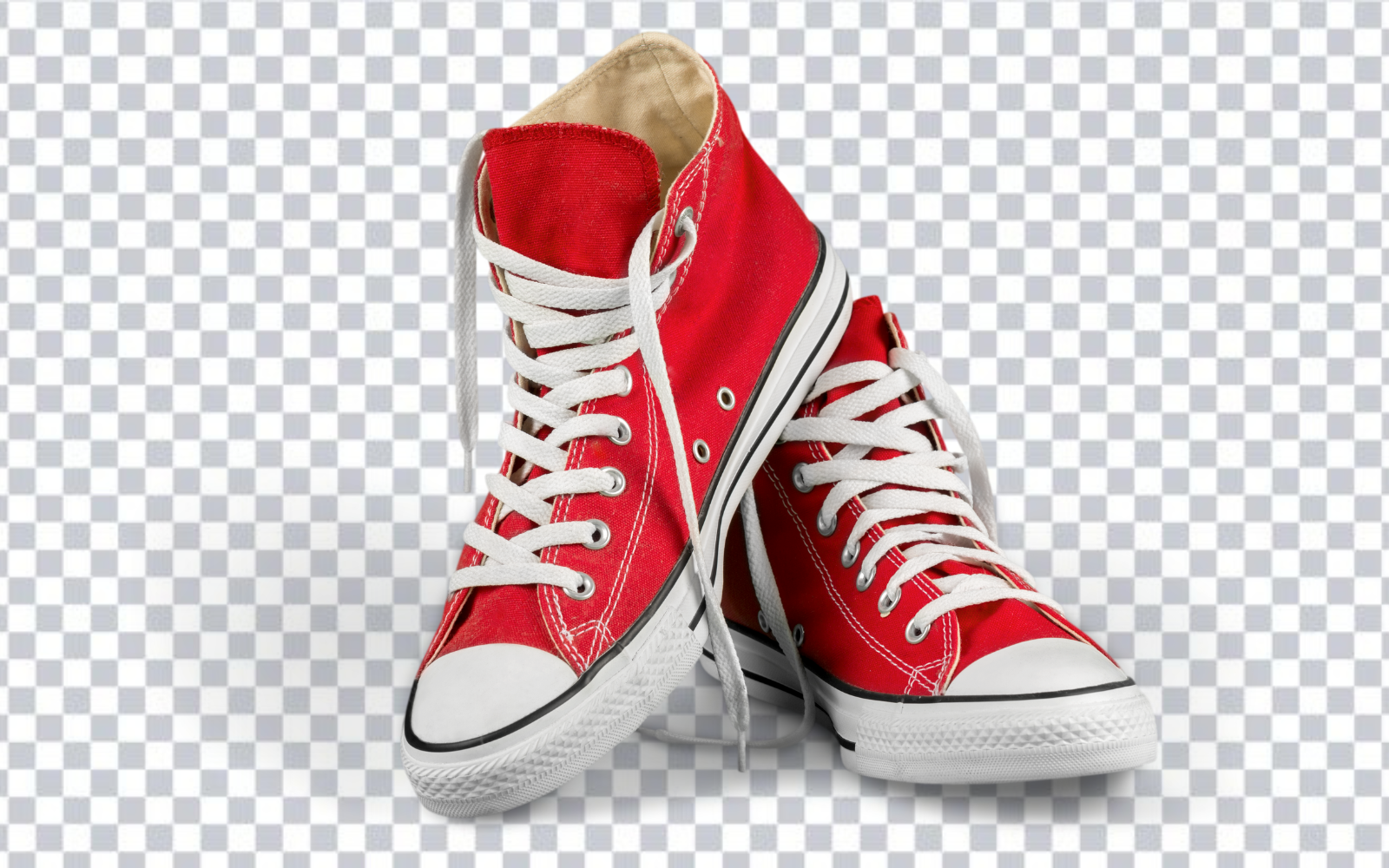
Try the editor
Remove backgrounds from your next image with RemoveBGAI
Remove BackgroundWhy most background removal jobs do not need Photoshop
Photoshop's background removal tools — Select Subject, Remove Background, and the Pen Tool — are powerful, but they require a subscription, a local install, and familiarity with the interface. For a seller processing product shots, a designer prepping Canva assets, or a student editing a headshot, that overhead rarely makes sense.
Browser-based AI tools like RemoveBGAI run the same segmentation task locally in your browser tab. No file leaves your device. No account is needed. Results are ready in seconds for most product photos, portraits, logos, and signatures. The output is a transparent PNG that works in Canva, Figma, PowerPoint, Google Slides, and every image editor that supports transparency.
The free browser workflow step by step
Open RemoveBGAI in any modern browser — Chrome, Safari, Firefox, or Edge. Click Upload image and select a JPG, PNG, or WebP file from your device. The background is removed automatically in the browser. When the result appears, toggle between the white and dark preview backgrounds to check the edge quality around hair, clothing, and any fine details.
Click Download to save a transparent PNG. The file is ready to drop into Canva, Figma, a presentation, a marketplace listing, or any design tool. If you need a white background instead of transparency, select white from the background options before downloading. There is no watermark, no account required, and no size restriction.
When Photoshop is still the right tool
Photoshop remains the better choice when the subject requires careful manual refinement — fine fur on a transparent object, glass or liquid where the background is visible through the subject, or a campaign image where the edge will be viewed at print size. The Refine Edge tool and layer masks give precise control that no automated approach matches for highly detailed work.
For most everyday removal tasks — product shots, headshots, logos, signatures, social content — the automated result from a browser tool is production-ready. Spending time in Photoshop on those images is usually not justified by the quality improvement.
Comparison: browser tool vs Photoshop
- Cost: browser tool — free; Photoshop — from $20.99/month (Creative Cloud subscription).
- Setup: browser tool — open a URL; Photoshop — download, install, sign in.
- Speed: browser tool — seconds per image; Photoshop — minutes for manual work.
- Edge quality on standard photos: browser tool — comparable on clean inputs.
- Complex edge control: Photoshop still has the advantage for fine fur, glass, and high-detail work.
- Privacy: browser tool — image never leaves your device; Photoshop — local processing, no upload.
Try the editor
Remove backgrounds from your next image with RemoveBGAI
Remove BackgroundReader questions
Is it possible to remove background for free without Photoshop?
Yes. Browser-based tools like RemoveBGAI remove backgrounds from any image — JPG, PNG, or WebP — in seconds, entirely in your browser. No account, no subscription, and no watermark. The output is a full-resolution transparent PNG.
How does browser-based background removal compare to Photoshop quality?
For standard product photos, portraits, and logos, browser-based AI removal produces results that are comparable to Photoshop's Remove Background tool and often faster. Photoshop still has an advantage for images with very fine fur, glass, or semi-transparent edges that require manual refinement.
Can I remove backgrounds on mobile without Photoshop?
Yes. RemoveBGAI works on mobile browsers. Open the site on iPhone or Android, tap Upload image, choose a photo, and download the transparent PNG — no app install required.