
Use Case
Background removal for small businesses that need professional photos without a designer.
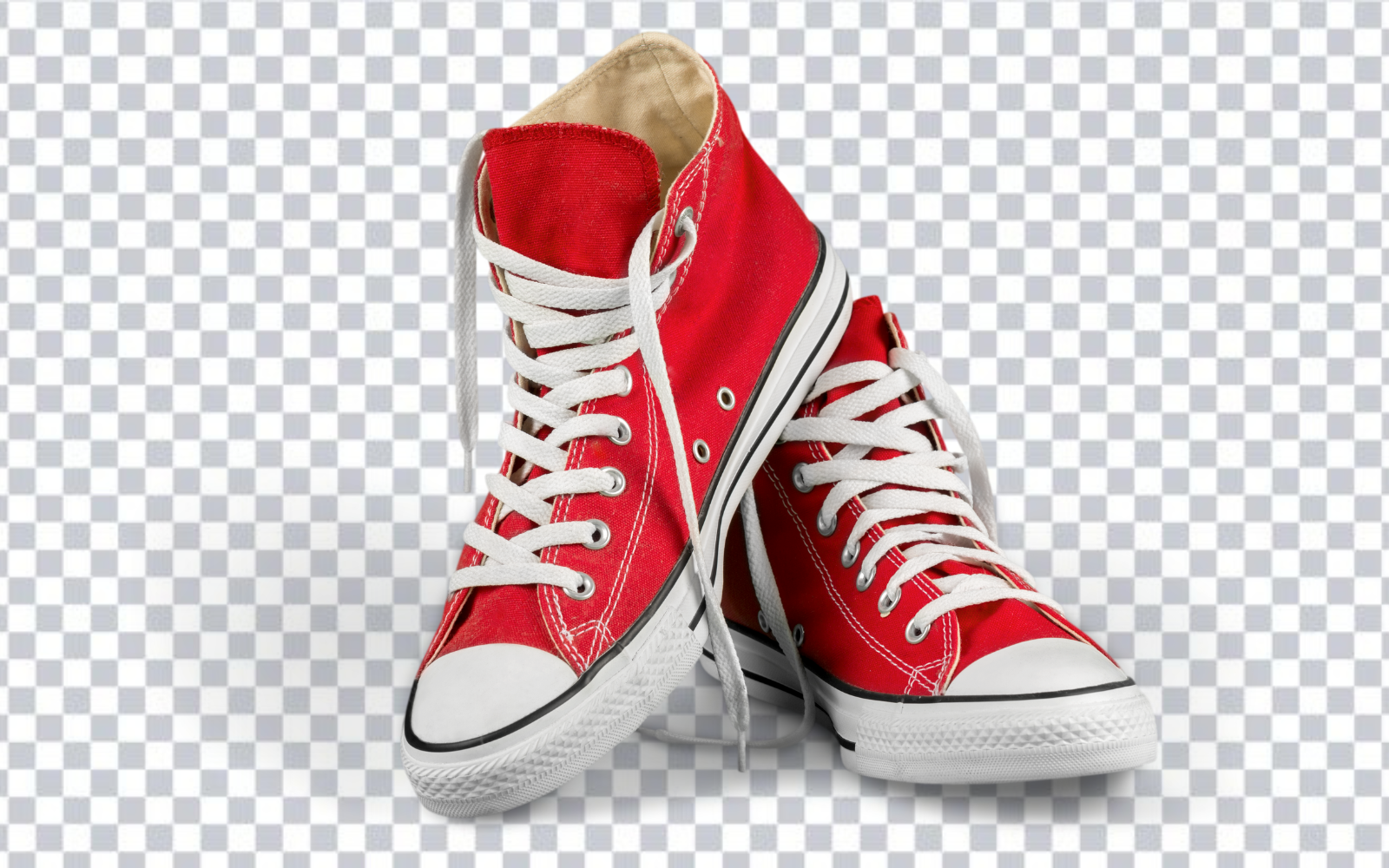
Small business owners cannot always afford a professional photographer or graphic designer for every image need. Whether you are posting products to your website, updating team headshots, building a promotional banner, or creating social content, background removal is one of the highest-value edits you can make — and RemoveBGAI makes it fast, free, and accessible without any design software.
Product photography for your website and store
You do not need a professional studio to create clean product photos. Take photos against a neutral wall or tabletop, then run them through RemoveBGAI to remove the background. The transparent PNG can then be placed on a white, black, or any brand-color background for a result that rivals expensive studio shots.
Consistent product photos — same background color, same angle — build trust with online shoppers and give your website a polished, intentional look even on a tight budget.
Team headshots for websites and directories
An inconsistent set of team headshots — different backgrounds, lighting, and framing — is one of the most common small business website problems. RemoveBGAI lets you remove backgrounds from a mixed set of photos taken in different environments and replace them with the same neutral background, creating visual consistency without a reshoot.
Marketing materials without a designer
Creating a promotional flyer, social media banner, or email header with product photos usually requires removing the product from its background first. With a transparent PNG from RemoveBGAI, you can drag the product into a Canva or Google Slides template and place it wherever the design calls for it.
Business use cases by industry
- Retail: product catalog photos with consistent white backgrounds.
- Restaurants: dish photography for menus, delivery apps, and social media.
- Real estate: headshots and property marketing photos.
- Beauty and wellness: before/after client photos and service imagery.
- Professional services: team photos and event images for websites and LinkedIn.
- Auto dealerships: vehicle photos with consistent backgrounds for listings.
Cost: DIY vs. professional editing
Professional background removal services typically charge $1–5 per image. For a product catalog of 100 items, that is $100–500 per update cycle. RemoveBGAI processes the same 100 images at no cost, running in your browser with no subscription.
Privacy: your product images stay private
For businesses with unreleased products or confidential imagery, RemoveBGAI processes everything locally in your browser. Images are never uploaded to a server. You get the same result as a cloud service without the data exposure.
Frequently asked questions
Do I need Photoshop or design skills?
No. Upload an image, the background is removed automatically, and you download the result. The full workflow takes under a minute with no software or technical skill required.
Can I use phone photos directly?
Yes. Photos taken on any smartphone work correctly. For best results, photograph against a surface that contrasts clearly with your subject.
Is there a cost or subscription required?
No. RemoveBGAI is completely free with no watermarks, no paid tier, and no required account.
How do I get a white background instead of transparent?
After removing the background, select the "White" background option in the editor before downloading. The output will be a file with a clean white background rather than transparency.